Offline Inspections
Working offline & Syncing later
In today’s hyper-connected world, it’s easy to assume that every digital process depends on a constant internet connection. In practice, this assumption breaks down—especially in industries such as logistics, vehicle inspections, construction, and field auditing, where inspections often take place in locations with unreliable or no connectivity.
When inspectors work on-site or in remote locations, network access isn’t always reliable. That’s where offline work and sync capabilities in a digital inspection app make all the difference.
Why Is Digital Inspection Software Important?
Moving away from paper-based methods to digital inspection solutions improves accuracy, traceability, and accountability. In contrast to conventional checklists, digital instruments offer cloud storage, photo capture, timestamps, and instant reporting, thus enabling companies to take quicker, data-driven decisions.
What is more, a strong vehicle inspection software is not merely a tool for the digitalization of paperwork but it is also a way of guaranteeing that inspection information will be uniform, available, and safe in any circumstance.
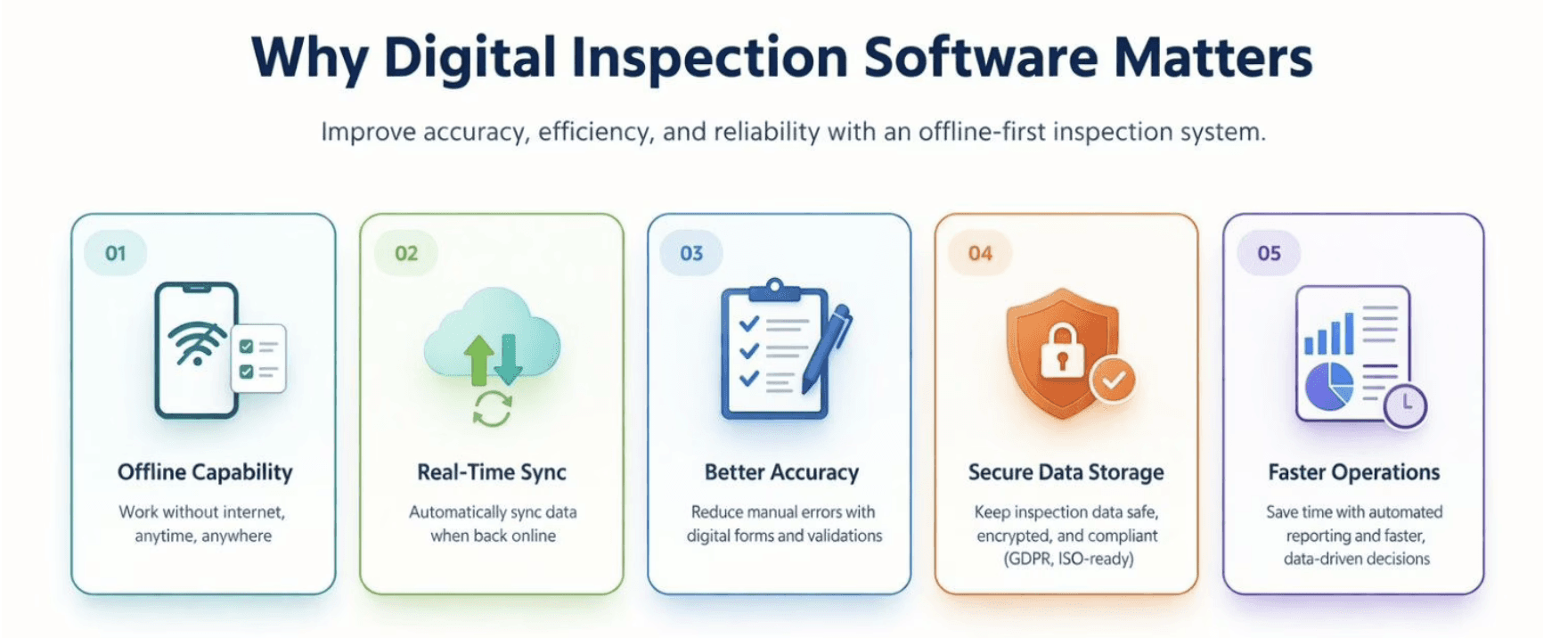
1. Why Safety Inspection Apps Must Work Without Internet?
Digital inspection tools have transformed how businesses collect, manage, and analyze inspection data. Yet, even the best digital tool becomes useless without connectivity. For modern operations, a safety inspection app that works without the internet is no longer a luxury—it is a necessity.
Offline access ensures inspectors can continue their work seamlessly, even when:
They’re in underground parking lots, rural sites, or restricted network zones.
They’re dealing with fluctuating mobile signals or limited bandwidth.
They need uninterrupted workflows during time-sensitive vehicle checks or offline safety inspections.
With offline capability, inspections don’t have to stop when the internet goes down. Inspectors can capture data, upload images, complete vehicle inspection checklists, and save all findings locally -ready to sync automatically once connectivity is restored.
2. How Sync Capabilities Streamline Data Accuracy
One of the biggest advantages of modern digital inspection apps like Emory Pro is real-time synchronization. Once the internet is restored, all offline work – photos, notes, digital signatures, timestamps, and inspection outcomes – syncs securely with the cloud.
This process ensures:
No duplicate entries: The app reconciles old and new data automatically.
Error-free reports: Data consistency is maintained across users and devices.
Instant team visibility: Managers and supervisors can see updates immediately after sync.
For car inspection businesses, this means every record – whether done in a garage or a shipping yard – is stored, backed up, and accessible within seconds. Crucially, Emory Pro’s sync runs on a non-intrusive background thread, meaning inspectors can immediately start their next vehicle safety check without waiting for the previous report to upload.
3. Building Trust And Efficiency Across Inspection Teams
Offline and sync-enabled systems do more than just improve reliability – they boost trust and operational efficiency across inspection workflows.
Let’s look at a few key benefits:
Field inspectors stay productive without worrying about lost data.
Supervisors get accurate insights instead of chasing incomplete reports.
Clients receive timely updates, even from areas with zero connectivity.
When a digital inspection app functions seamlessly in both offline and online modes, it shows commitment to reliability – a trait that strengthens client relationships and brand credibility.
4. Security And Compliance: Syncing Without Compromise
Offline data collection introduces another critical question: what about data security?
A professional-grade digital inspection app must include encrypted local storage and secure synchronization protocols. Designed with data protection standards commonly expected in Germany and the EU, the app creates a localized, encrypted vault on the device itself, making data unreadable to third parties even if the hardware is lost or stolen.
That means every offline record is stored safely on the device until it syncs to the cloud through secure HTTPS or API-based data channels.
This ensures compliance with industry standards like GDPR or ISO and eliminates the risk of data corruption, duplication, or unauthorized access during sync.
5. Real-World Applications In The Car Inspection Space
In the vehicle inspection checklist industry, connectivity challenges are common. From warehouses and dealerships to ports and shipping facilities – technicians often work in areas where internet access is unreliable.
An offline-ready car inspection app solves this by:
Allowing technicians to capture vehicle images, VIN details, and safety inspection notes without Wi-Fi.
Our local caching technology preserves full-resolution meta-data for every damaged photo, ensuring no evidence is compressed or lost during the offline-to-online transition.
Automatically syncing all captured data to the cloud once back online.
Maintaining full audit trails for regulatory or insurance reporting.
This flexibility not only reduces downtime but also improves inspection turnaround time – critical for businesses managing large fleets or cross-border operations.
6. Emory Pro Approach: Designed For Real Work, Not Ideal Conditions
At Emory Pro, we built our digital inspection app with offline-first principles. We know that real work happens in dead zones—whether it’s inside a shipping container, a basement boiler room, or a remote construction site.
Unlike basic apps that rely on constant connectivity, our sync engine ensures:
Zero Data Loss: Your progress is saved to the device’s secure local storage in real-time.
Background Syncing: You don’t have to wait for an upload bar. Finish one inspection and immediately start the next; the app handles the data transfer silently when a connection returns.
Consistent Performance: The app works exactly the same way offline as it does online, ensuring your field teams never face downtime due to a bad signal.
7. Location-Based & Multi-Site Inspections (Even Offline)
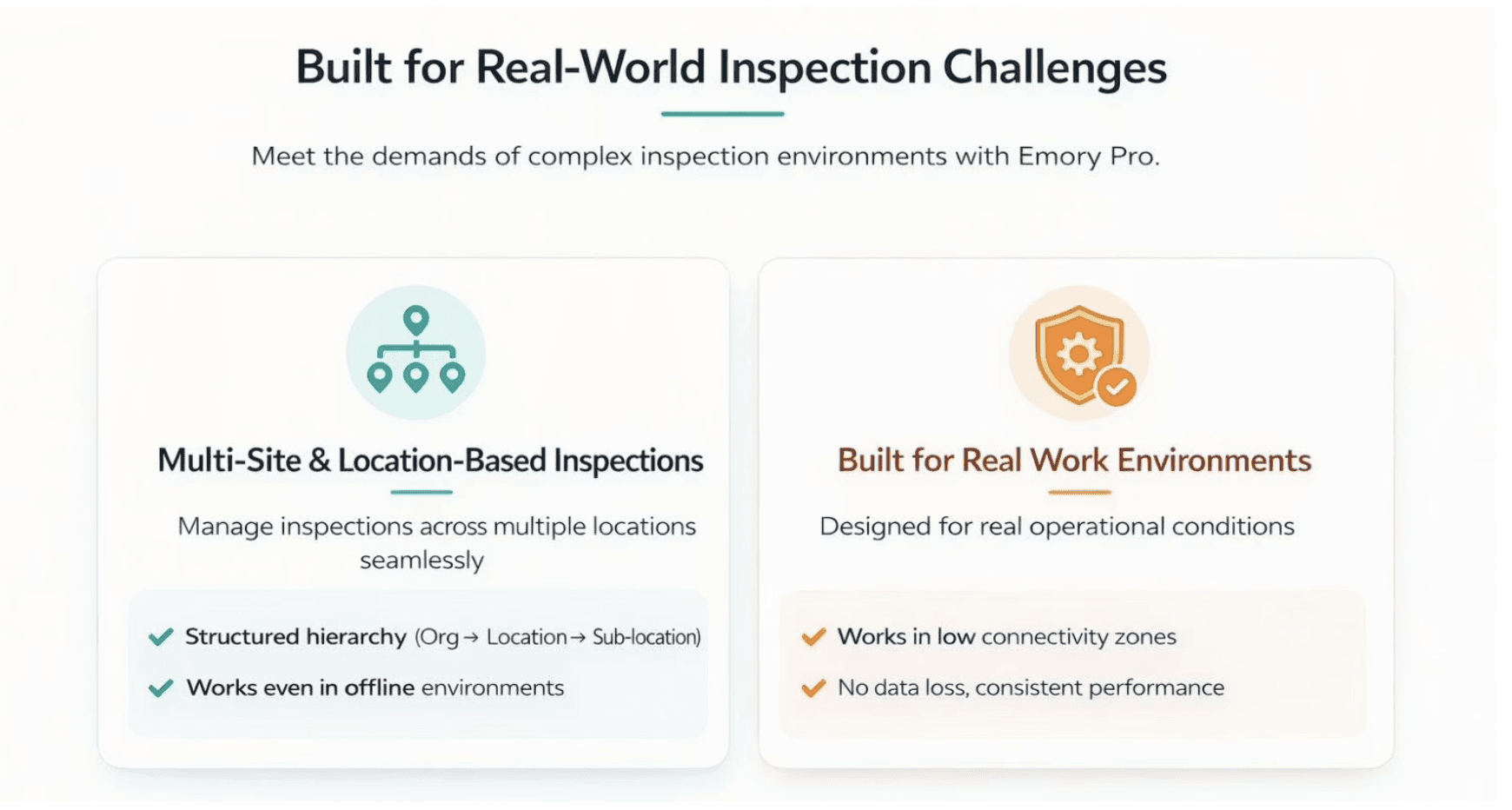
Managing inspections across one location is easy. Managing them across 50 depots, 200 trucks, and international borders requires a system built for scale.
Emory Pro facilitates efficient QA by allowing you to structure your entire operation digitally:
Granular Hierarchy: Organize inspection tasks by Main Organization → Location → Sub-location (e.g., Hamburg Port → Warehouse B → Loading Dock 4).
Map-Based Transparency: Directly associate inspections with specific mapped locations or vehicles. This ensures that a manager in Berlin can oversee activity in Munich from a single unified dashboard.
Offline Continuity: Crucially, this complex location data is cached locally. An inspector can walk into a verified sub-location, perform a check, and tag the asset—all without an internet connection.
This structure increases accountability and saves time, ensuring the right task is always assigned to the right person, at the right place.
Streamlined QA Inspections With Practical Steps
Here’s how Emory Pro enhances inspection processes:
Assign tasks based on exact site and user permissions, so no inspection is overlooked.
Maintain up-to-date records for every location, vehicle, and item inspected.
Use a clear dashboard to view inspection history, ongoing and pending tasks, and reporting.
This actionable structure empowers quality teams to organize inspections smarter, work from anywhere, and maintain reliable oversight across the organization.
Why Offline-First Is The Future Of Digital Inspections?
As AI, automation, and IoT continue to evolve, the future of inspection management lies in resilient, hybrid systems. Offline and sync capabilities are no longer optional – they’re fundamental for operational continuity and data security.
Whether you’re managing vehicle inspections, field audits, or logistics operations, your inspection platform should work anytime, anywhere, without disruption.
Final Thoughts
Offline work and sync capabilities define the next generation of digital inspection apps. They ensure your operations stay efficient, your data secure, and your teams productive – no matter the environment.
If your current inspection workflow depends on the internet, it’s time to rethink your setup.
Choose a system built for reliability.
Choose Emory Pro – where digital inspections meet real-world performance.
FAQ’s
Can I perform a full safety inspection without any internet connection?
Yes. Emory Pro downloads all necessary checklists and safety protocols to your device locally. You can complete the entire inspection, including photos and signatures, in “Airplane Mode” or dead zones without interruption.
What happens to the inspection timestamp if I am offline?
Will syncing later use up all my mobile data plan?